Energy and cost, side by side, at your own tariff

Served by the hub on your home network, open in any browser. Every screen shows energy and money side by side, on your own tariff zones. Set up from a wizard; no config files.

Runs on your own ESP32-WROVER with rbAmp modules and your own SCT-013 clamps. Works alongside Home Assistant.

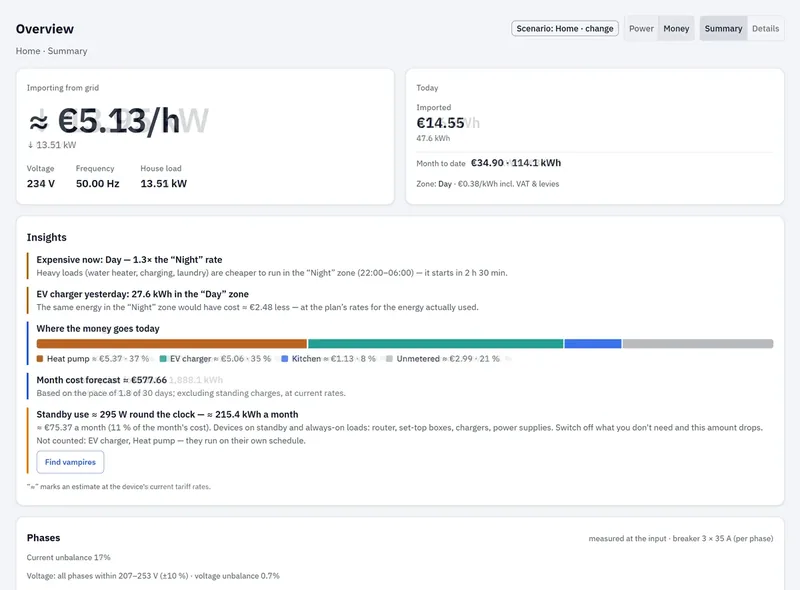
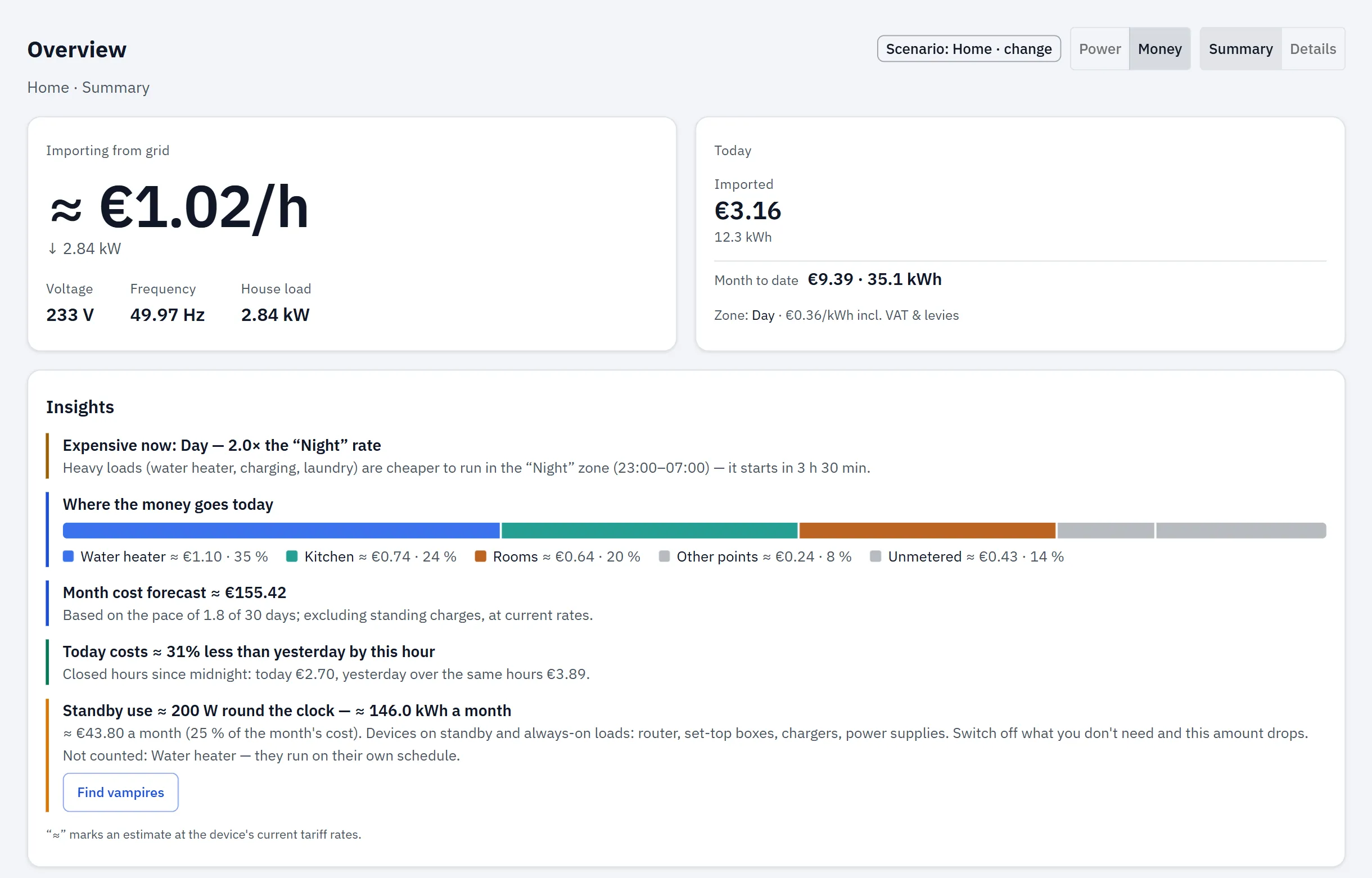
RBgrid Overview for a one-module flat: live grid import in watts and €/h, the active tariff zone and when the next one starts, with today and month-to-date cost.Open full-size image

Overview — what it costs right now

  • Power or money view
  • grid import in watts and €/h, the active tariff zone and when the next one starts
  • today and month to date, with yesterday
  • energy-flow scene (input, phases, circuits)
  • Insights cards: where today's money goes, standby load, the dearer zone.
RBgrid Overview switching between the power view and the money view.

Already on Home Assistant?

Each point appears in HA as a device: power, current, reactive power, power factor, energy in and out. Per hub you also get net power, frequency, cost totals and export value — plus a bus-voltage device where a voltage bus exists. Your HA dashboards and automations keep working; tariff editing, long-term history and sensor setup stay in the app — no templates, no utility_meter.

Integrations

History — from this hour to this year

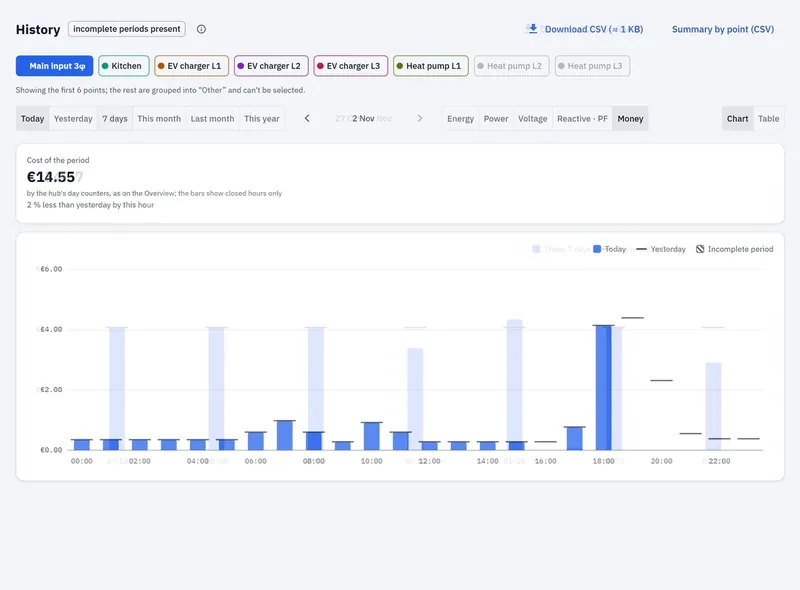
  • today/yesterday/7 days/month/year
  • energy, power, voltage, reactive, power factor, money
  • chart or table, incomplete periods marked
  • hourly for 60 days for every point (up to 8); daily, monthly and yearly on the hub's flash for your supply
  • download CSV or a per-point summary from the app.
RBgrid History cycling through today, 7 days, month and year.

Economics — cost by zone, and export at your own sell rate

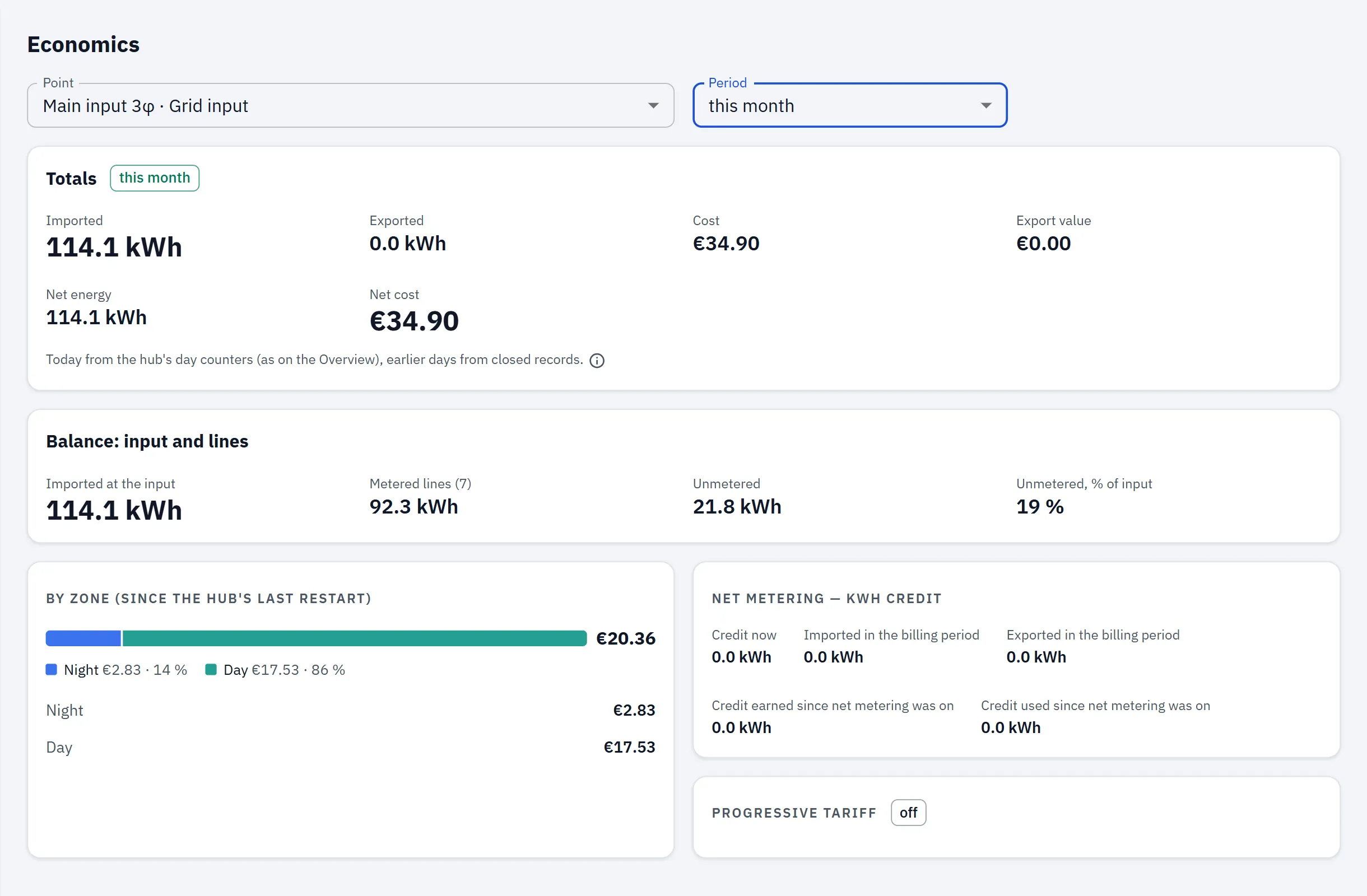
  • cost per period and per tariff zone
  • import and export measured separately; net-metering credit in kWh when your plan has it
  • input vs metered lines, how much is unmetered
  • generation produced/used/exported when you have a generation point.
RBgrid Economics for this month: cost split by tariff zone (Day about 86%, Night about 14%) and the unmetered share (about 19%).Open full-size image

Tariffs — your plan, as your supplier writes it

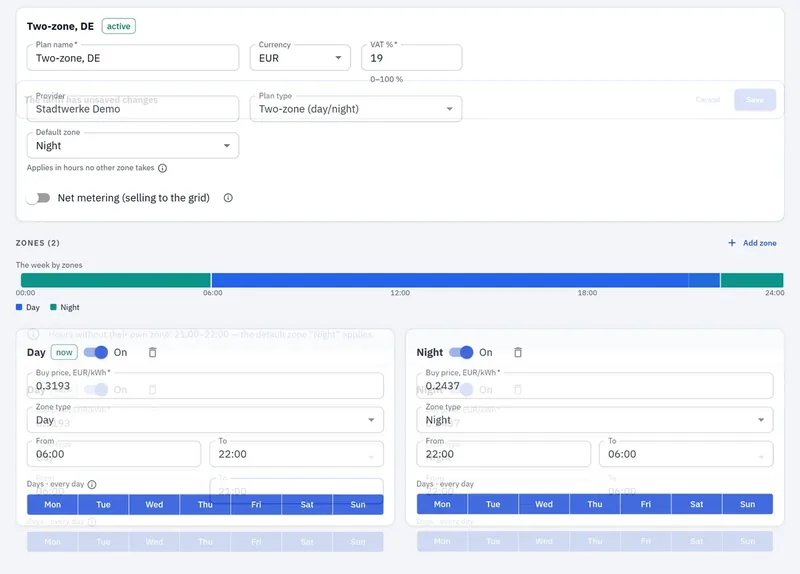
  • named zones on a weekly grid (night, morning peak, day, evening peak, late evening, weekend)
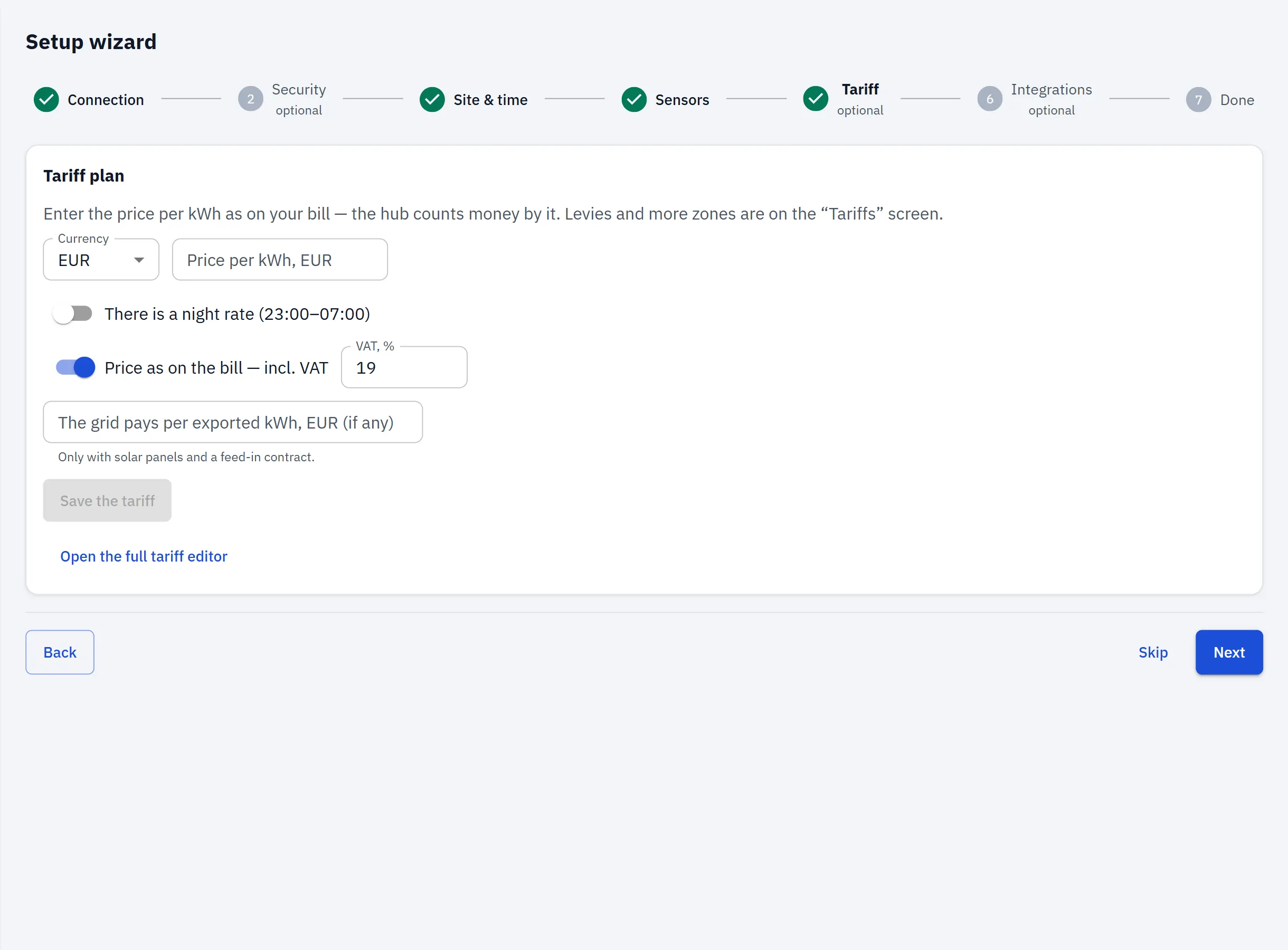
  • per-kWh energy tax, grid fee, renewable levy and VAT
  • export priced per zone
  • switch plans; history keeps the rates that applied.
RBgrid Tariffs: the weekly grid highlighting each zone in turn.

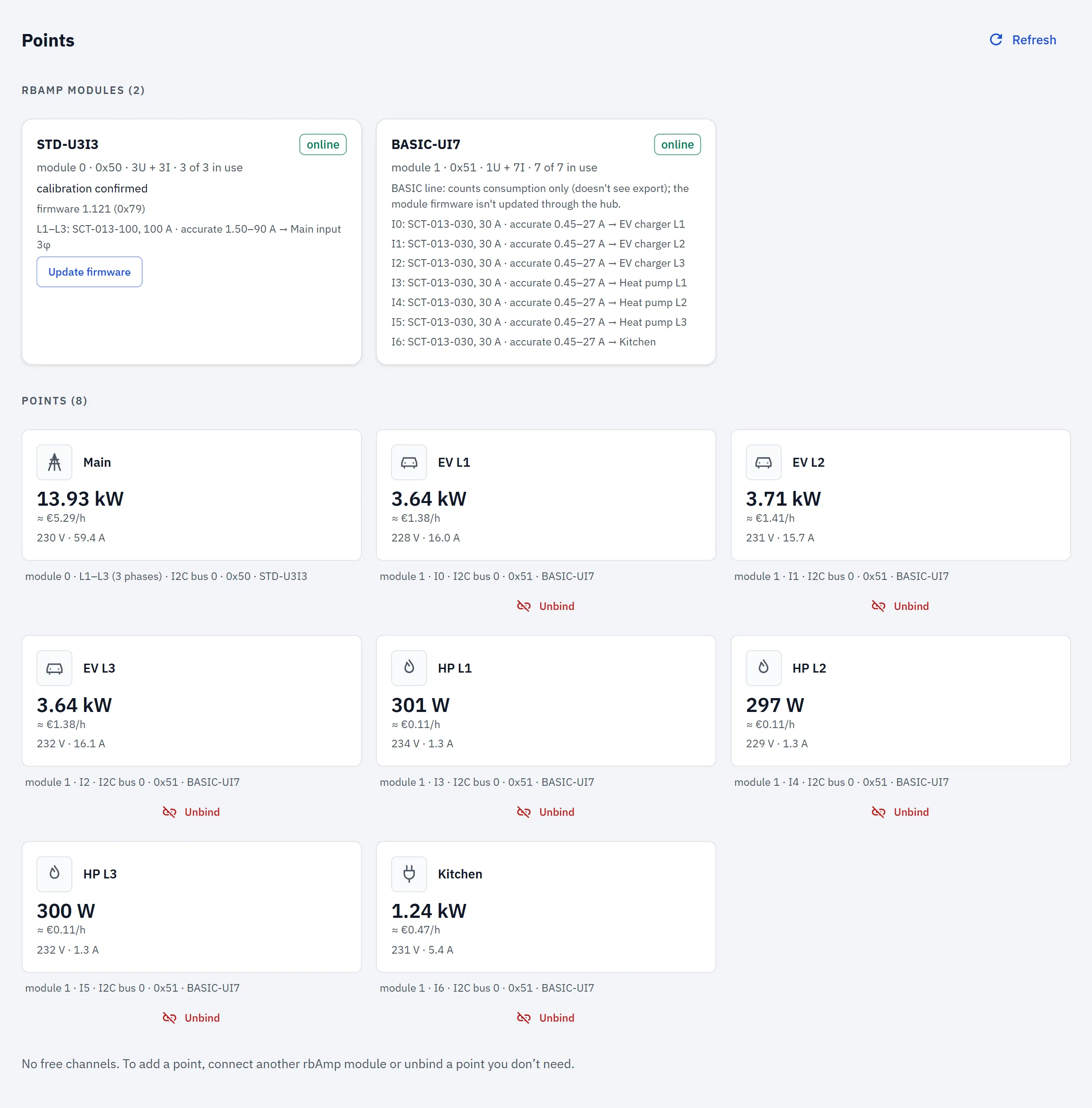
Points and events

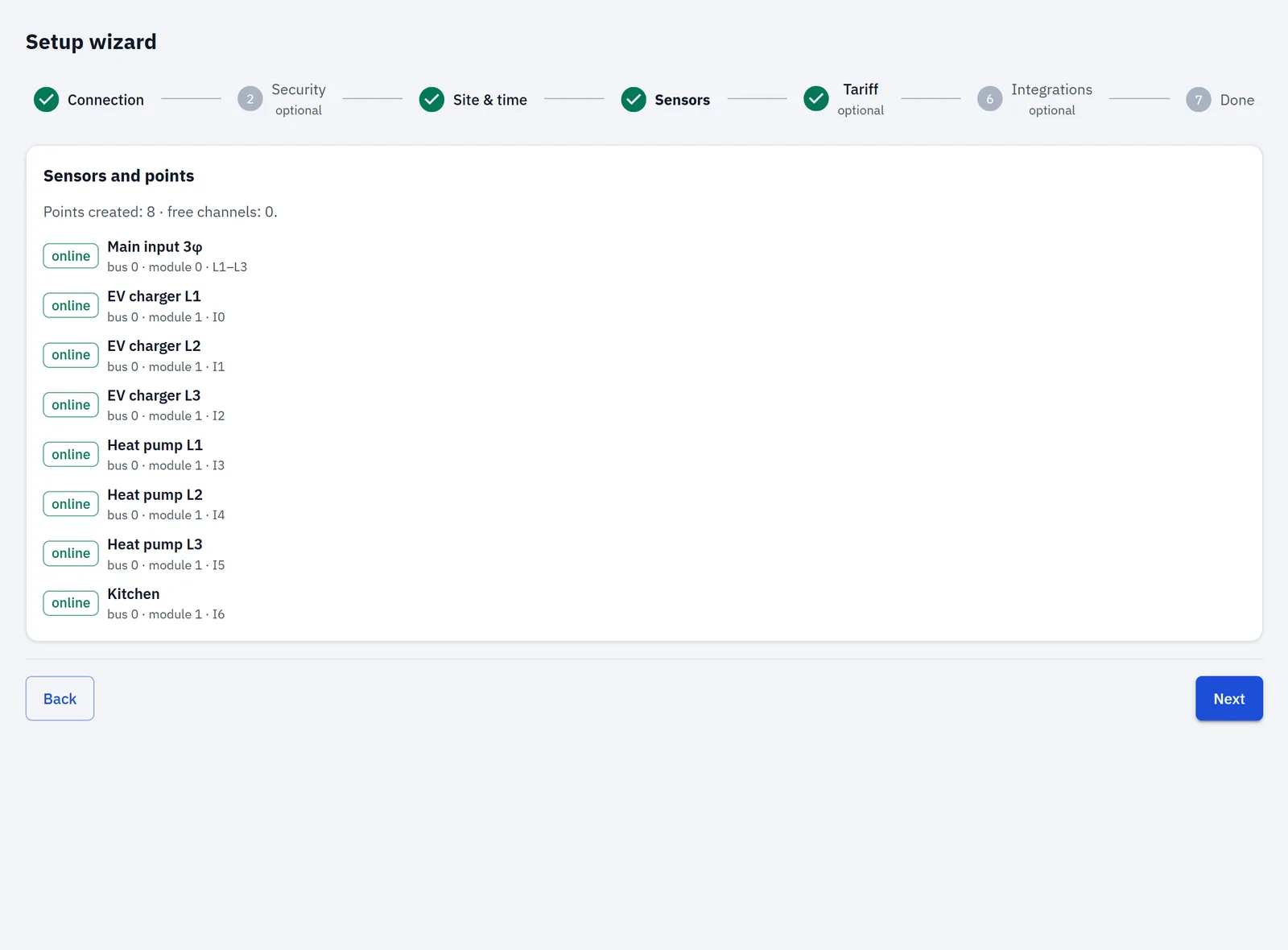
Bind any module channel to a named point — input, generation, circuit — at runtime, from the app. Group points into tabs on the scene. A 100 A clamp on a 16 A circuit works; for loads under a few amps a 30 A clamp reads finer — pick the rating per channel in Sensors.

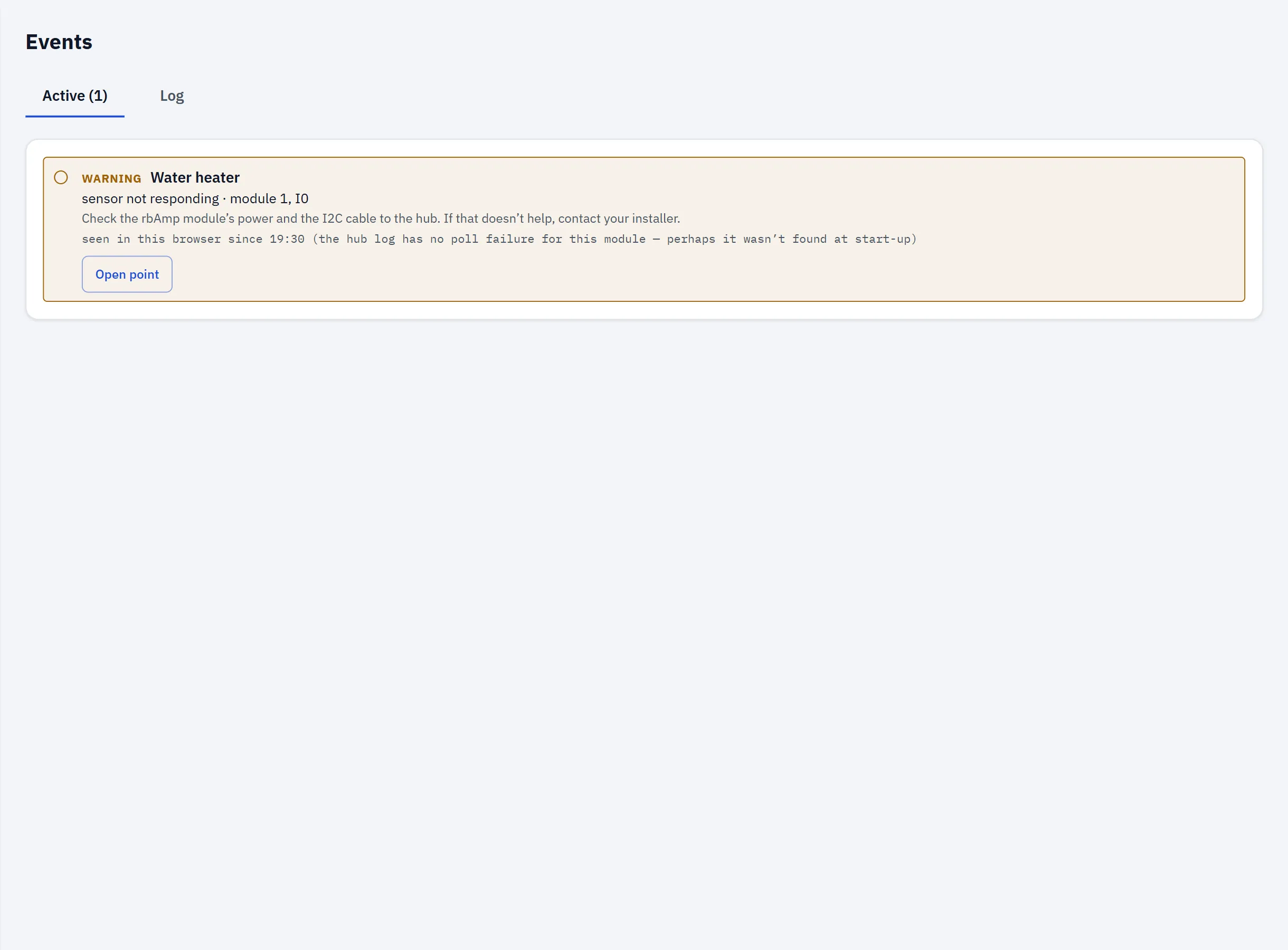
Sensor offline, clamp near its limit, clipping — with what to check. The log persists across reboots.

Up and running in seven steps

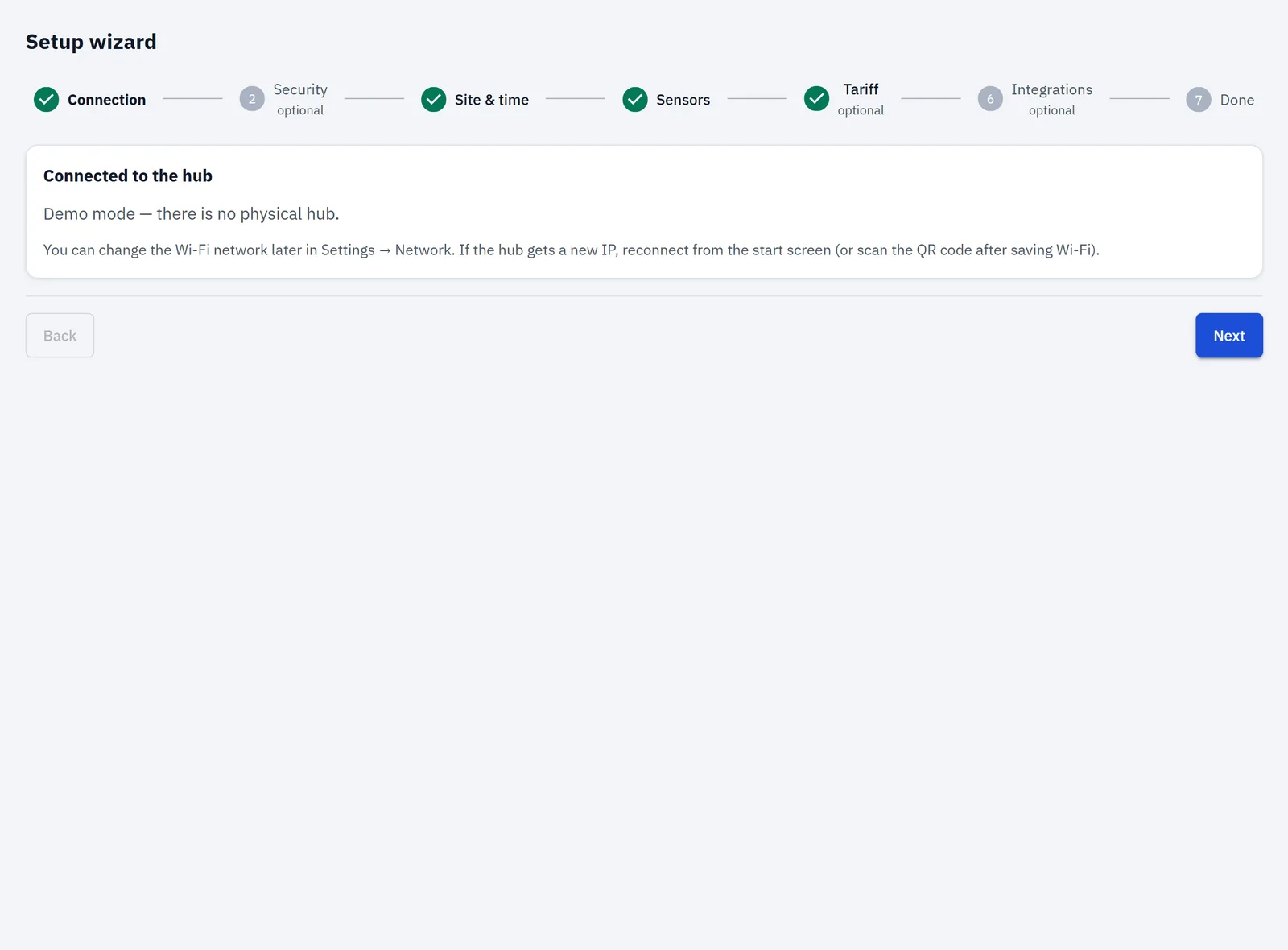
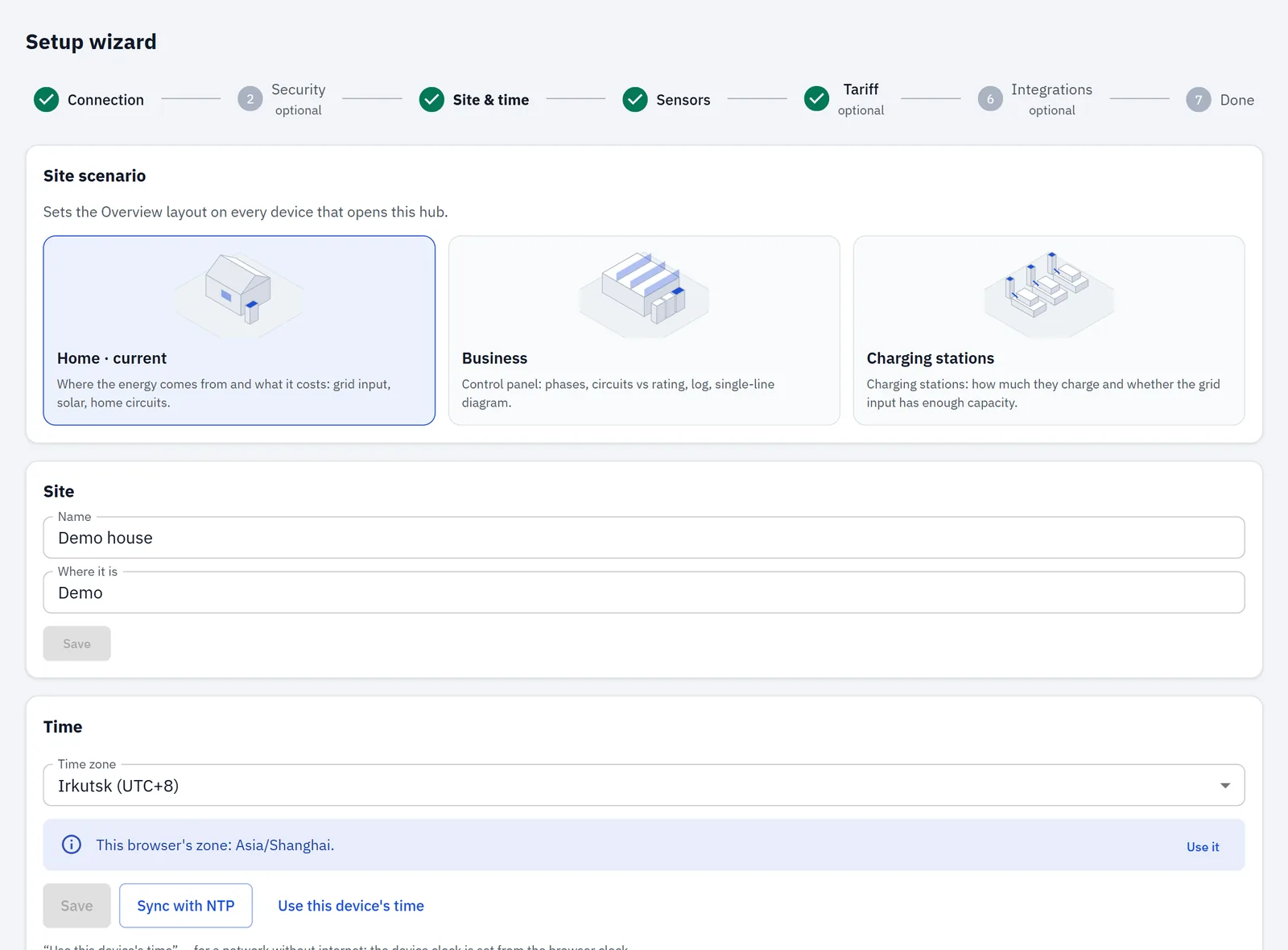
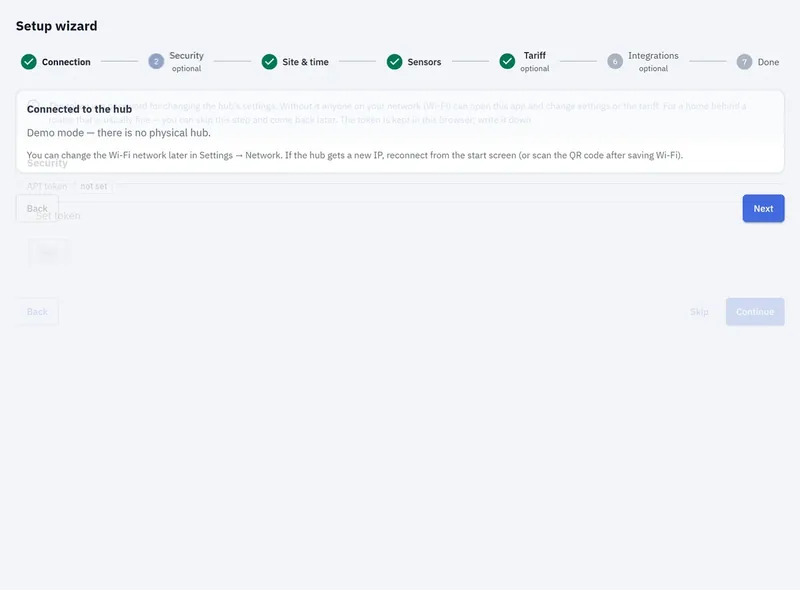
Before the wizard: get the firmware onto your ESP32-WROVER — build from source, or flash the release image once v1.1.1 is out (one command, in Get started) — join the hub's setup Wi-Fi, and the wizard opens.

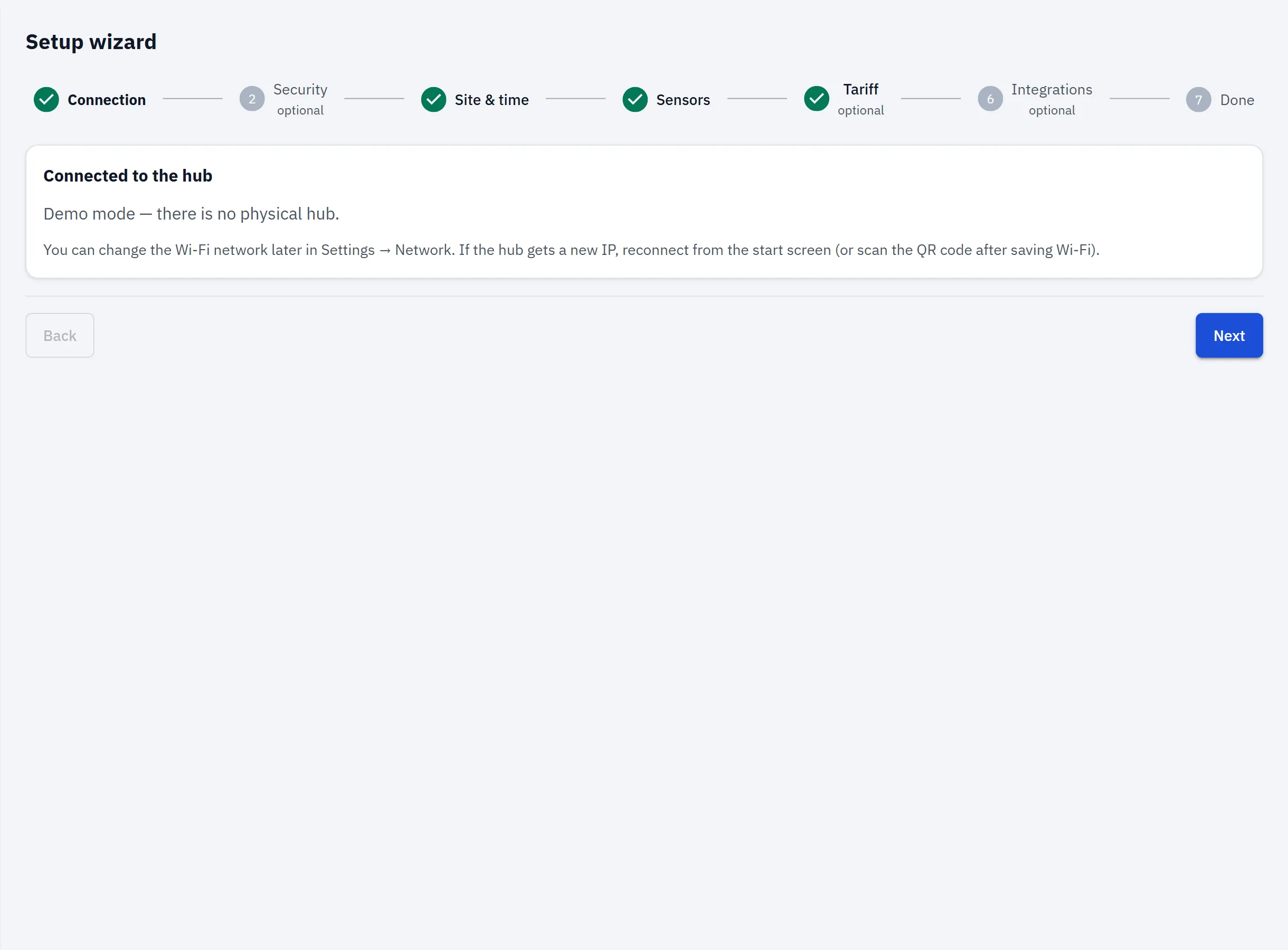
  1. Step 1 of 7 — ConnectionOpen full-size image
    Connection
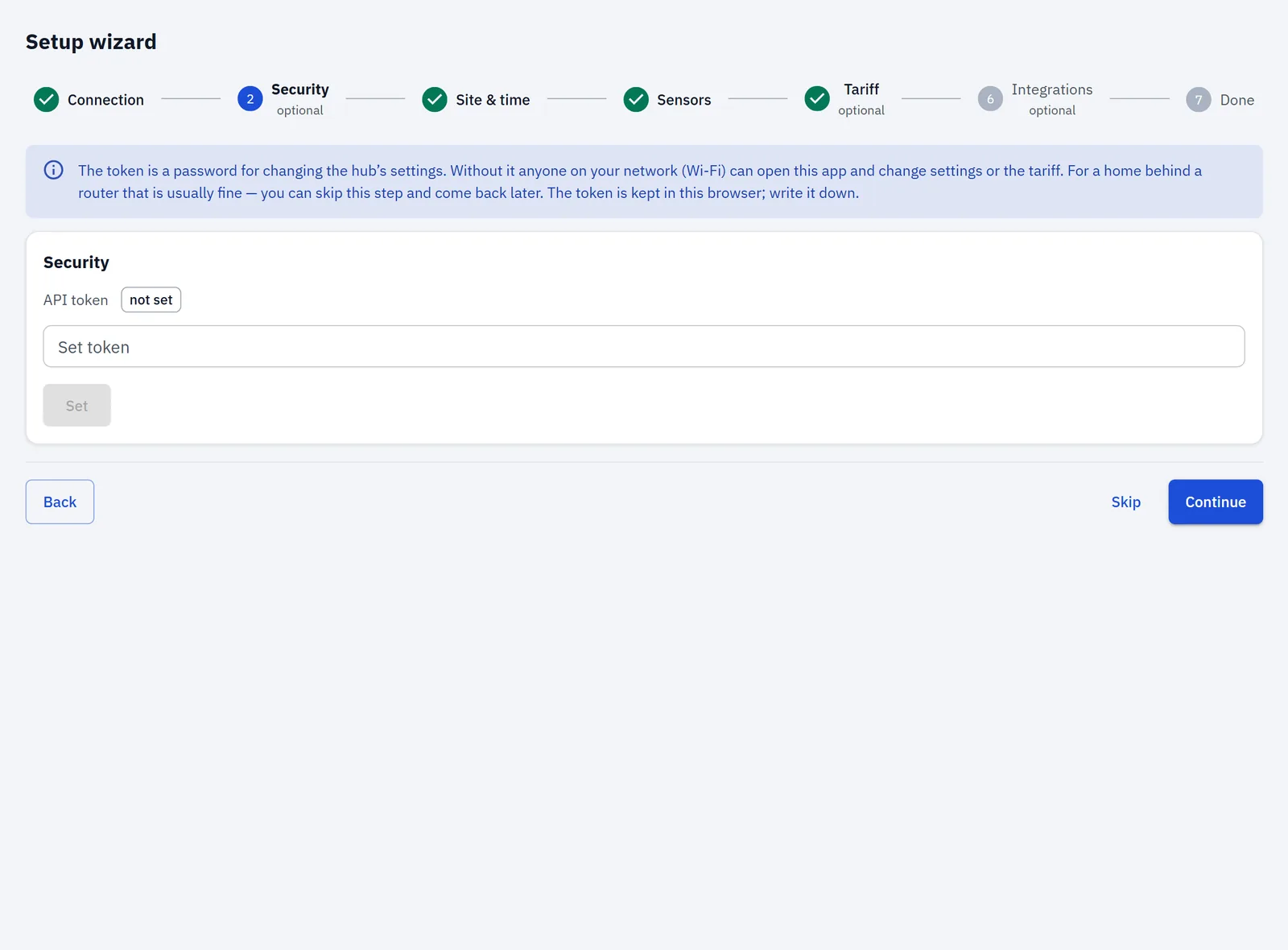
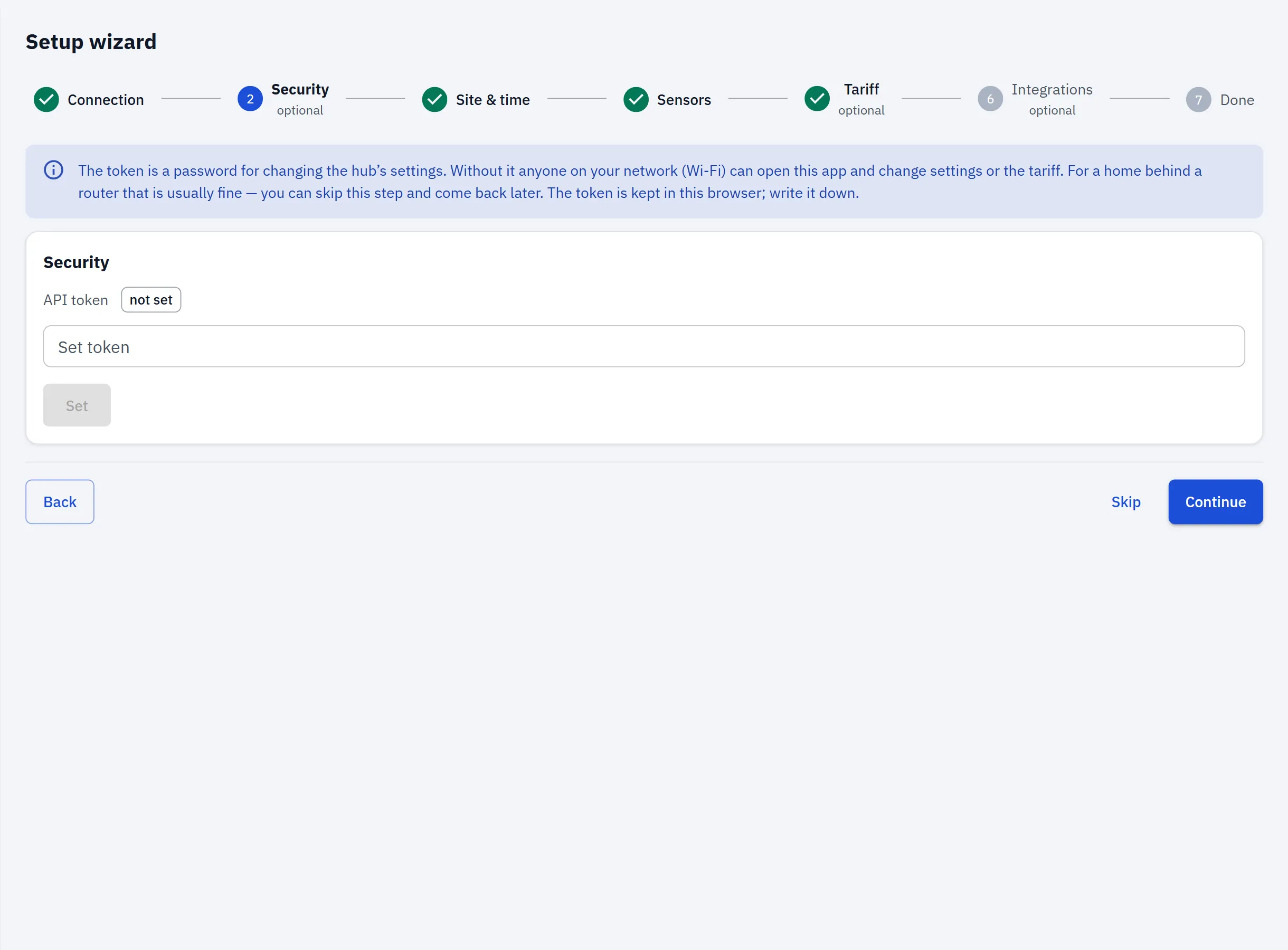
  2. Step 2 of 7 — SecurityOpen full-size image
    Security
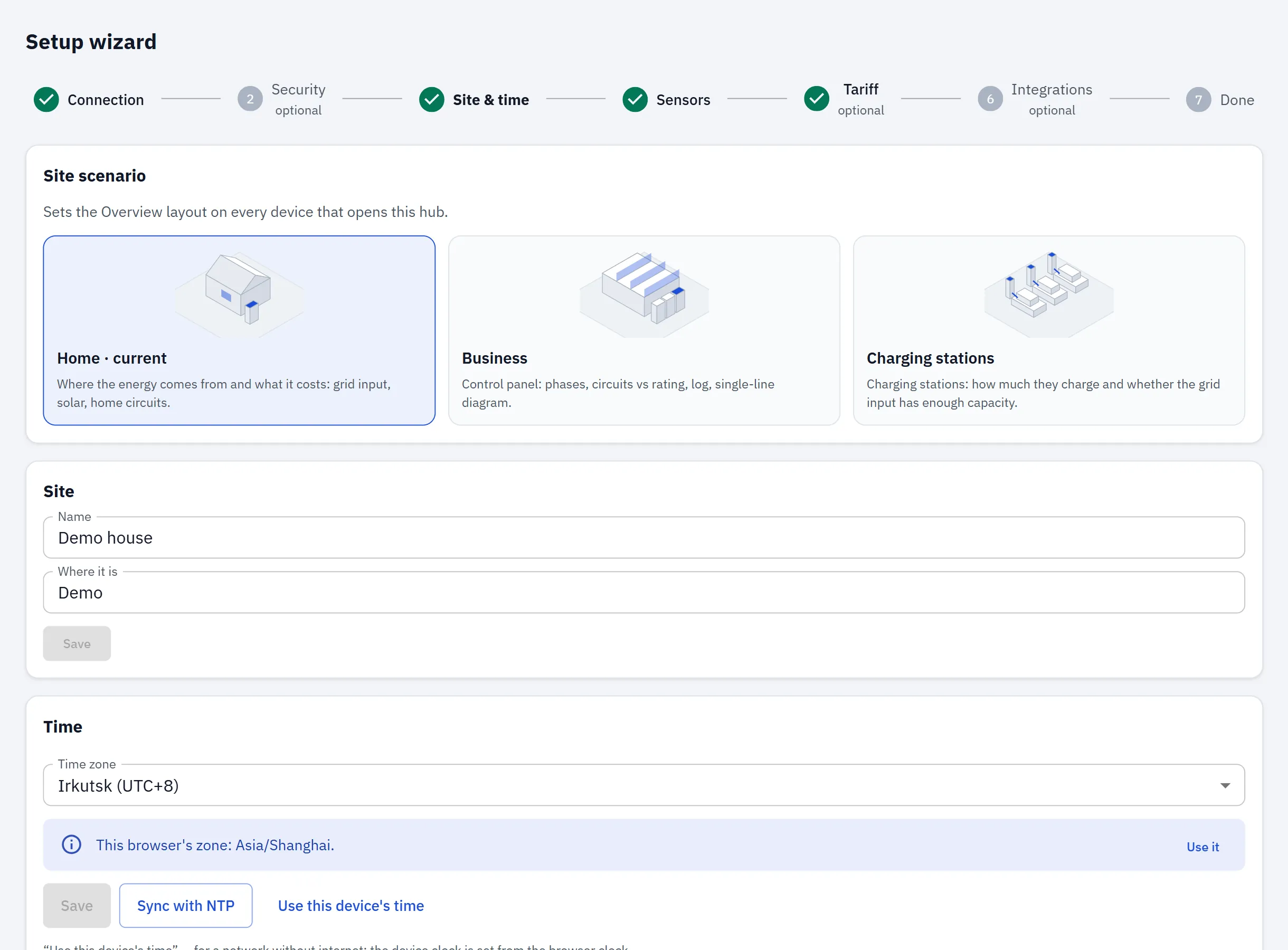
  3. Step 3 of 7 — Site & timeOpen full-size image
    Site & time
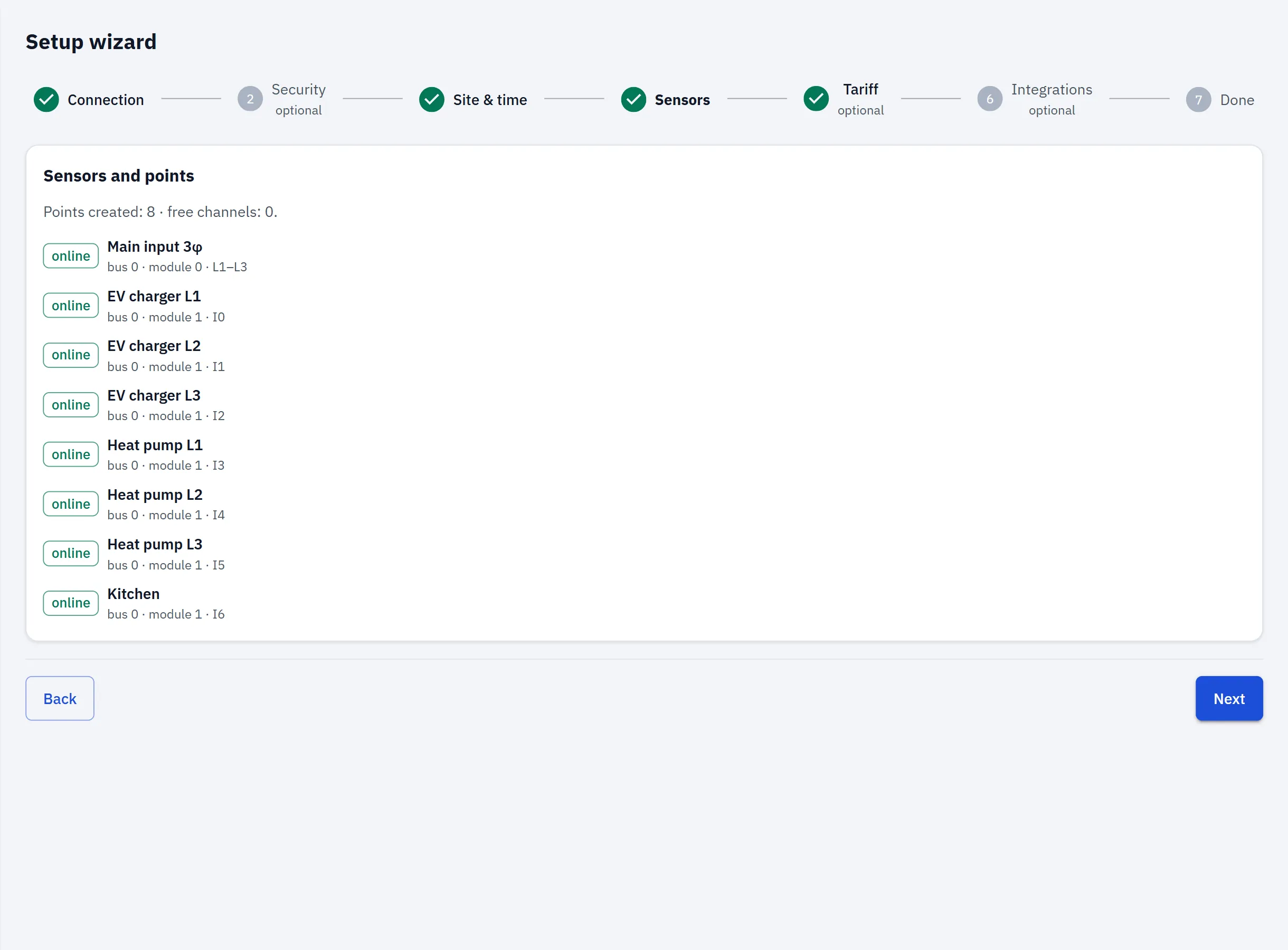
  4. Step 4 of 7 — SensorsOpen full-size image
    Sensors
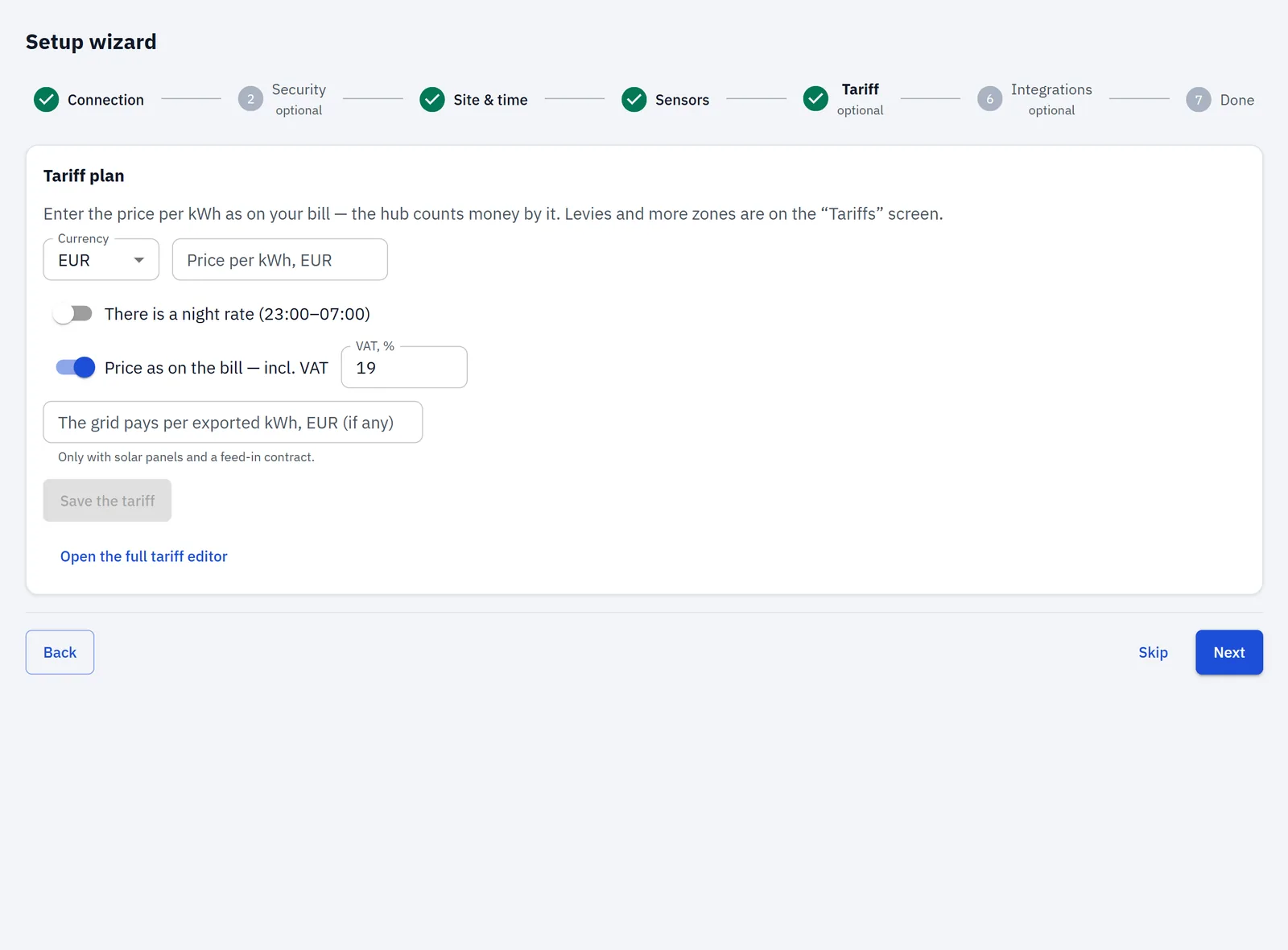
  5. Step 5 of 7 — TariffOpen full-size image
    Tariff
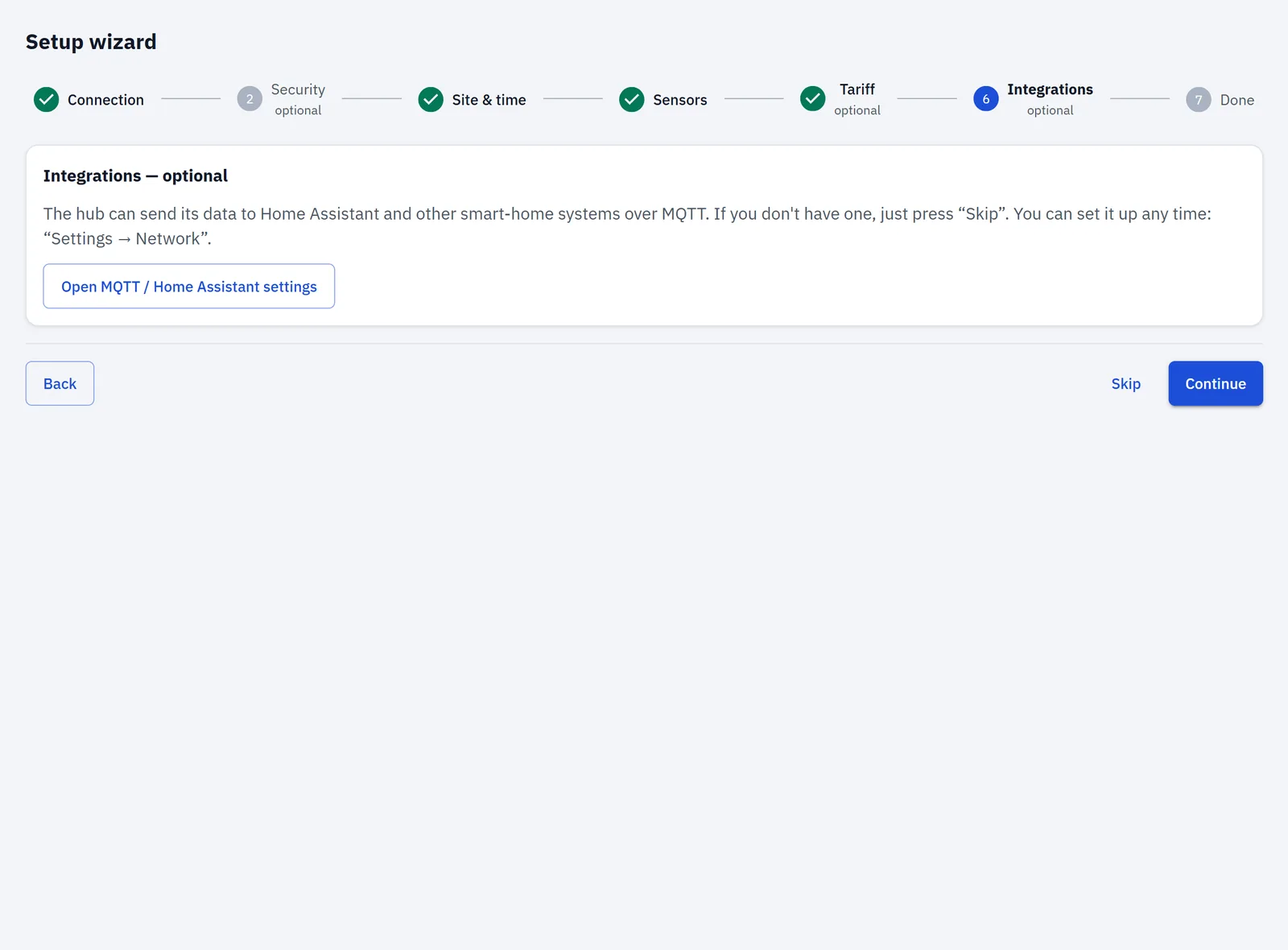
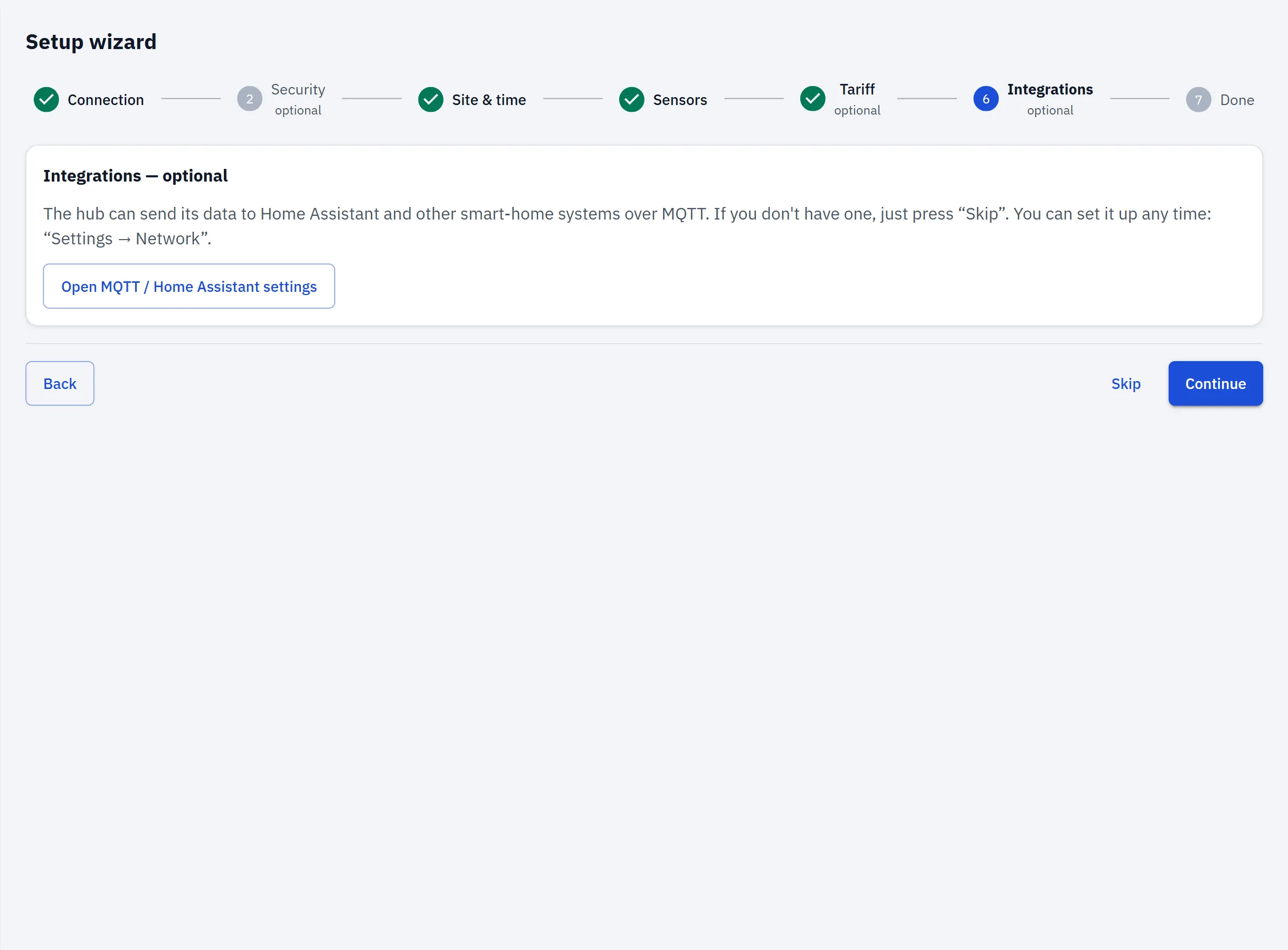
  6. Step 6 of 7 — IntegrationsOpen full-size image
    Integrations
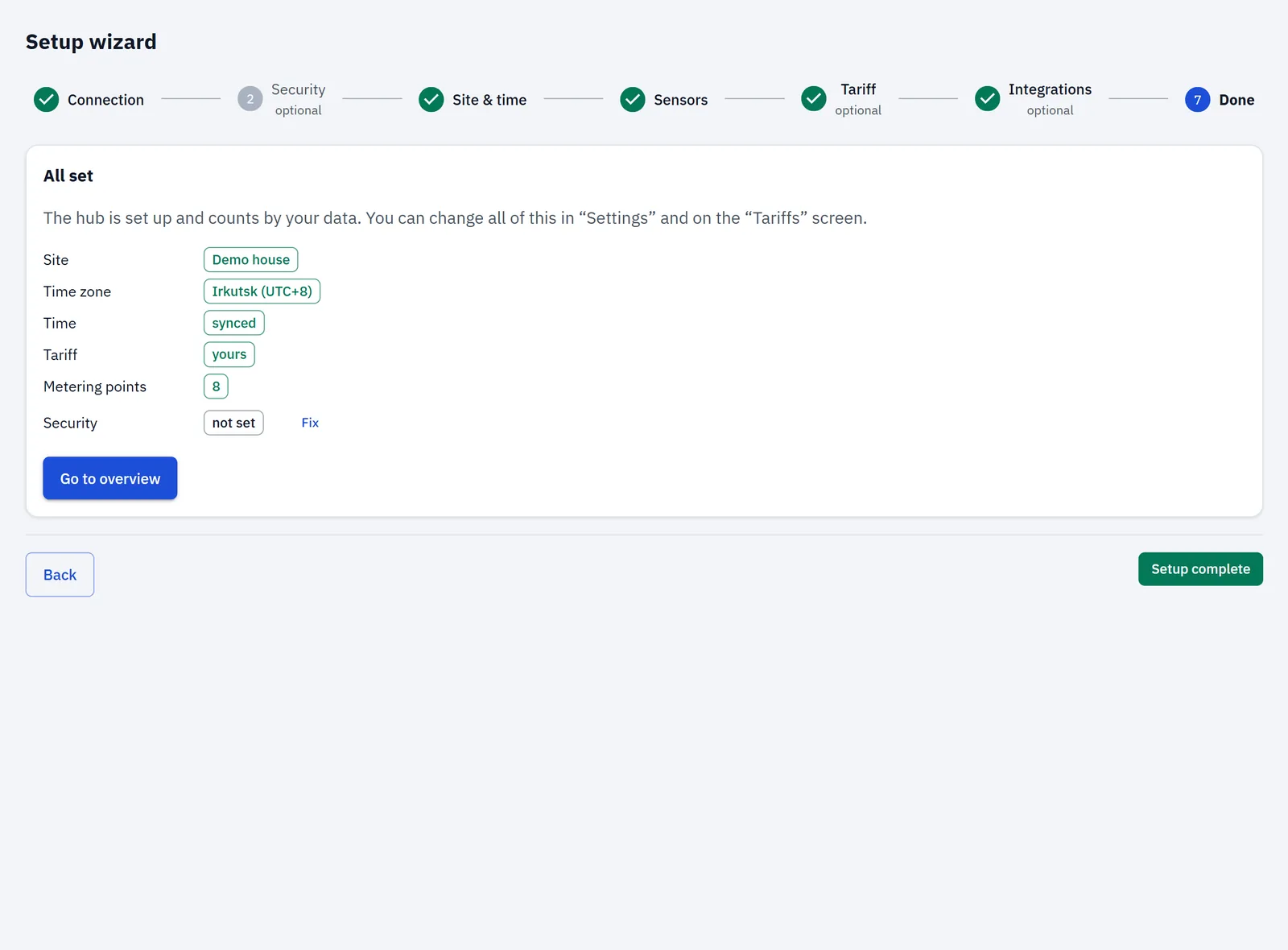
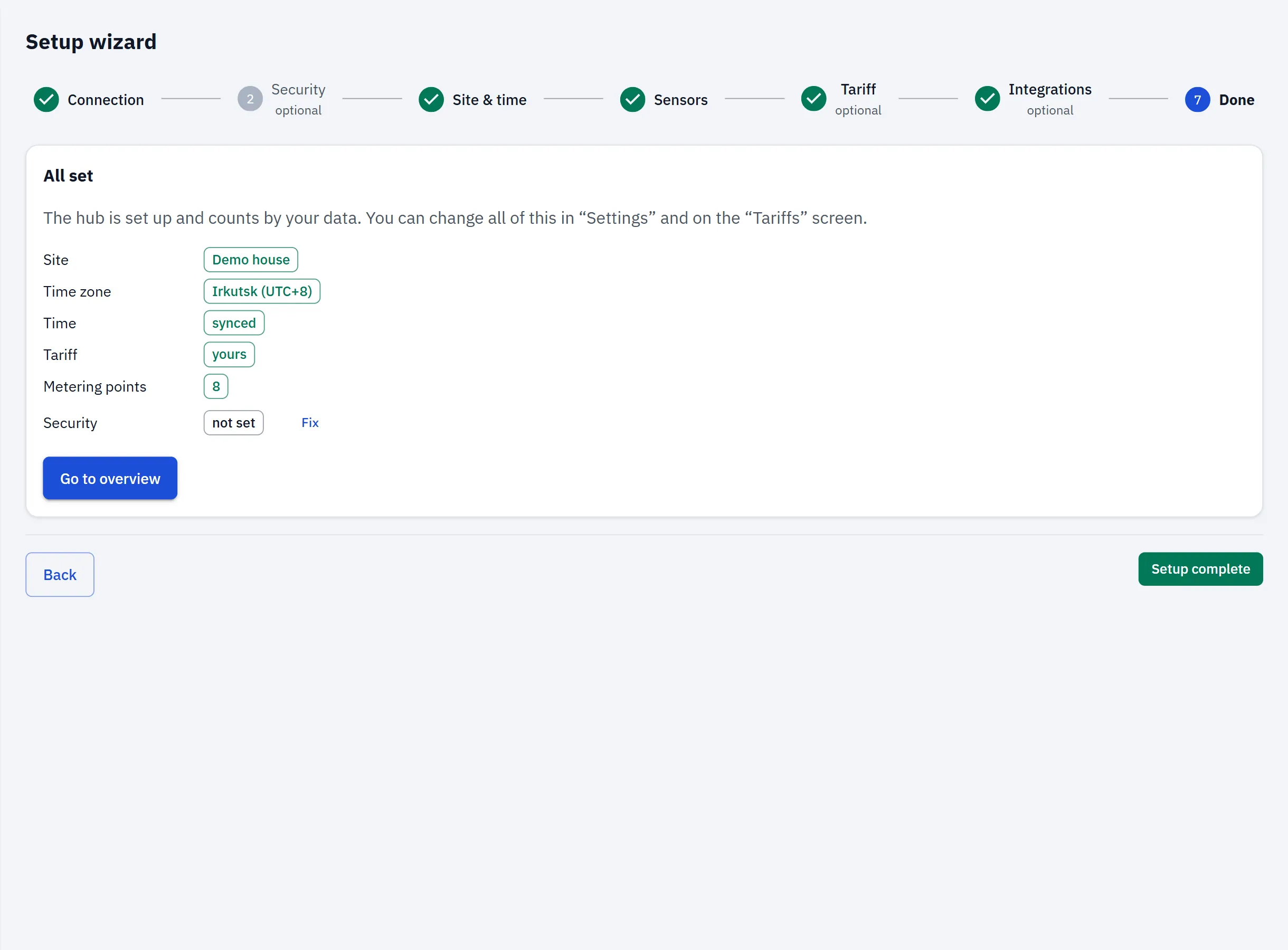
  7. Step 7 of 7 — DoneOpen full-size image
    Done

The app is served by the hub: upload it to the hub once, then open it at the hub's address on your home network — it works with the internet down. Nothing goes through our servers.

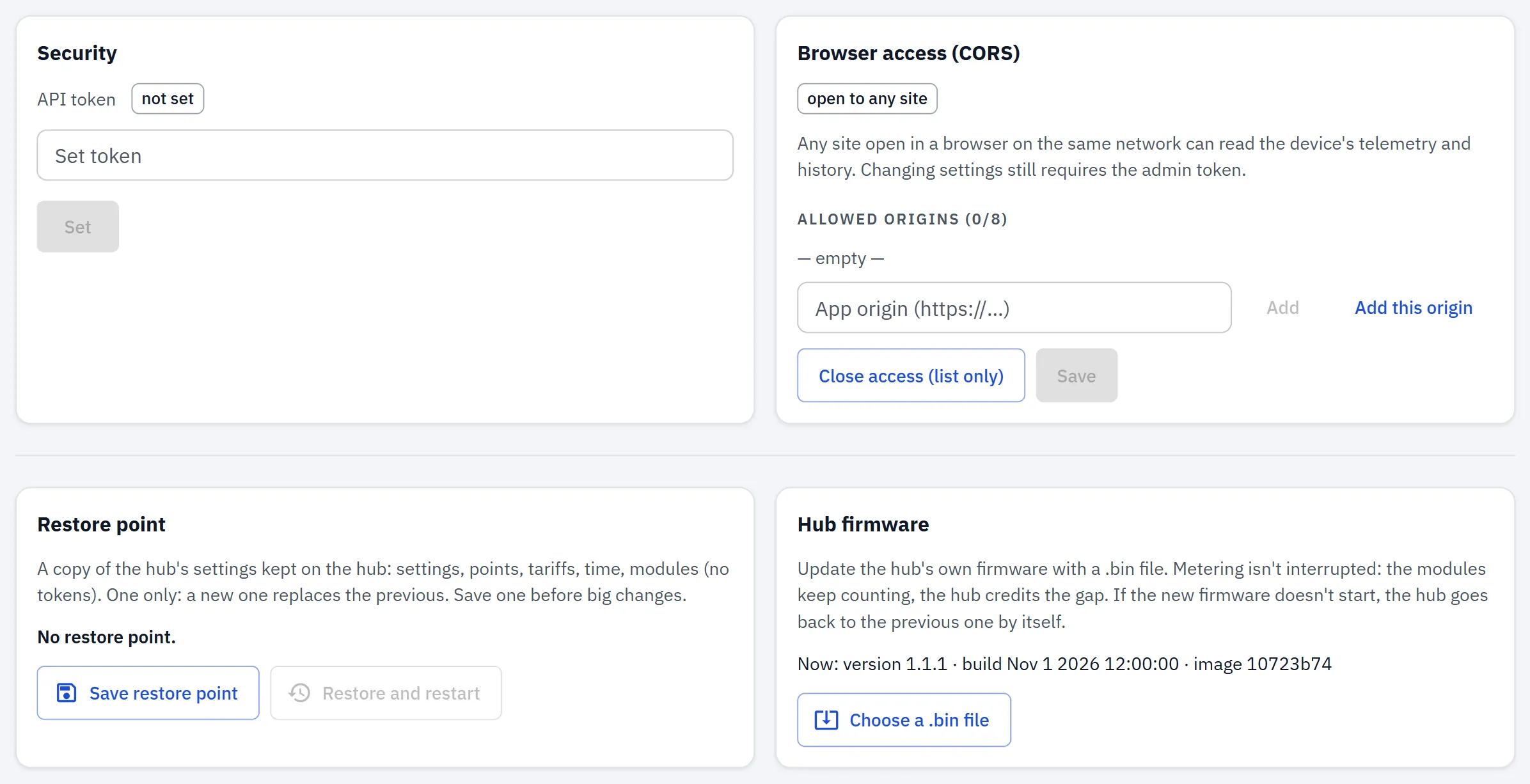
Settings, updates, backup

  • over-the-air updates with automatic rollback
  • restore point (settings, points, tariffs in one file)
  • admin token for changes, optional read token, CORS allow-list
  • light and dark theme; English and Russian language packs.
RBgrid Settings → Security: the admin and read tokens and the CORS allow-list.Open full-size image