HARDWARE
Configure Your Custom Energy Monitoring System
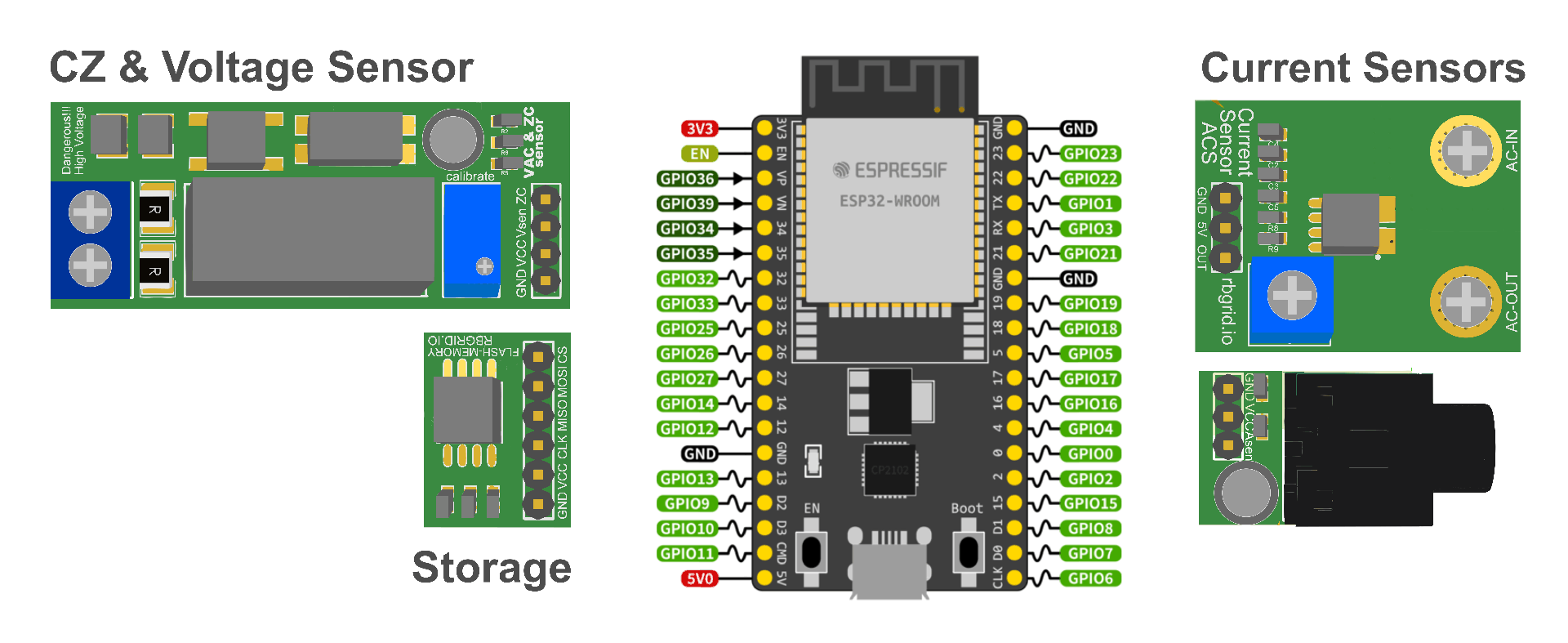
No unnecessary components, no overpaying for features you don't need. Build your RBgrid system step by step, selecting only the modules that match your requirements. Each step adds new capabilities while maintaining full compatibility with previous components.
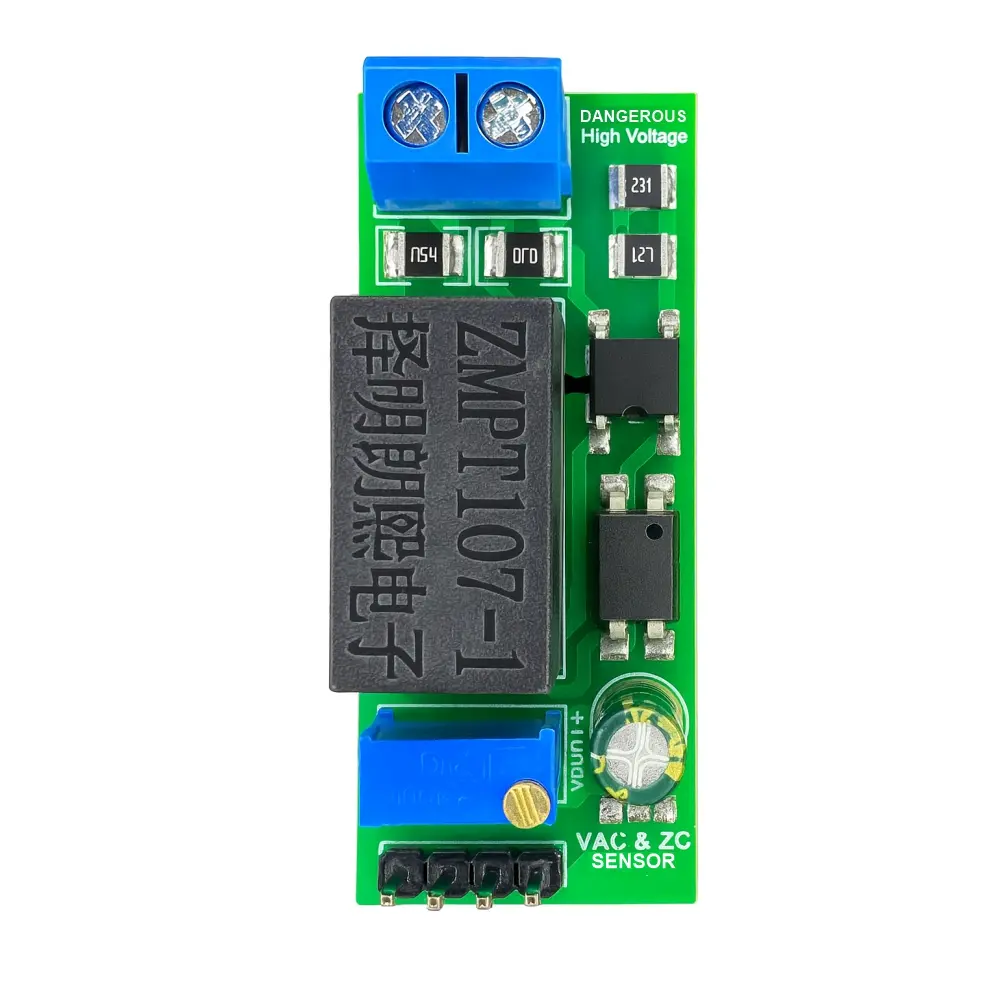
Step 1 ESSENTIAL FOUNDATION
Required for all configurations
Zero-Cross & Voltage Sensor Module
The heart of your monitoring system - without it, nothing works.
This combined module is the absolute minimum requirement for any RBgrid deployment. It provides critical grid synchronization through zero-cross detection and accurate voltage measurement - two fundamental functions that enable all other measurements.
Why it's essential:
- Grid Synchronization: Precise 50/60Hz timing reference for all measurements
- Voltage Monitoring: Real-time grid voltage for power calculations
- Phase Detection: Required for power factor and direction sensing
-
Safety Isolation: 4kV galvanic isolation protects your ESP32
What you can monitor with Step 1 only:
- Grid voltage (RMS)
- Frequency monitoring
- Voltage quality analysis
- Basic grid status
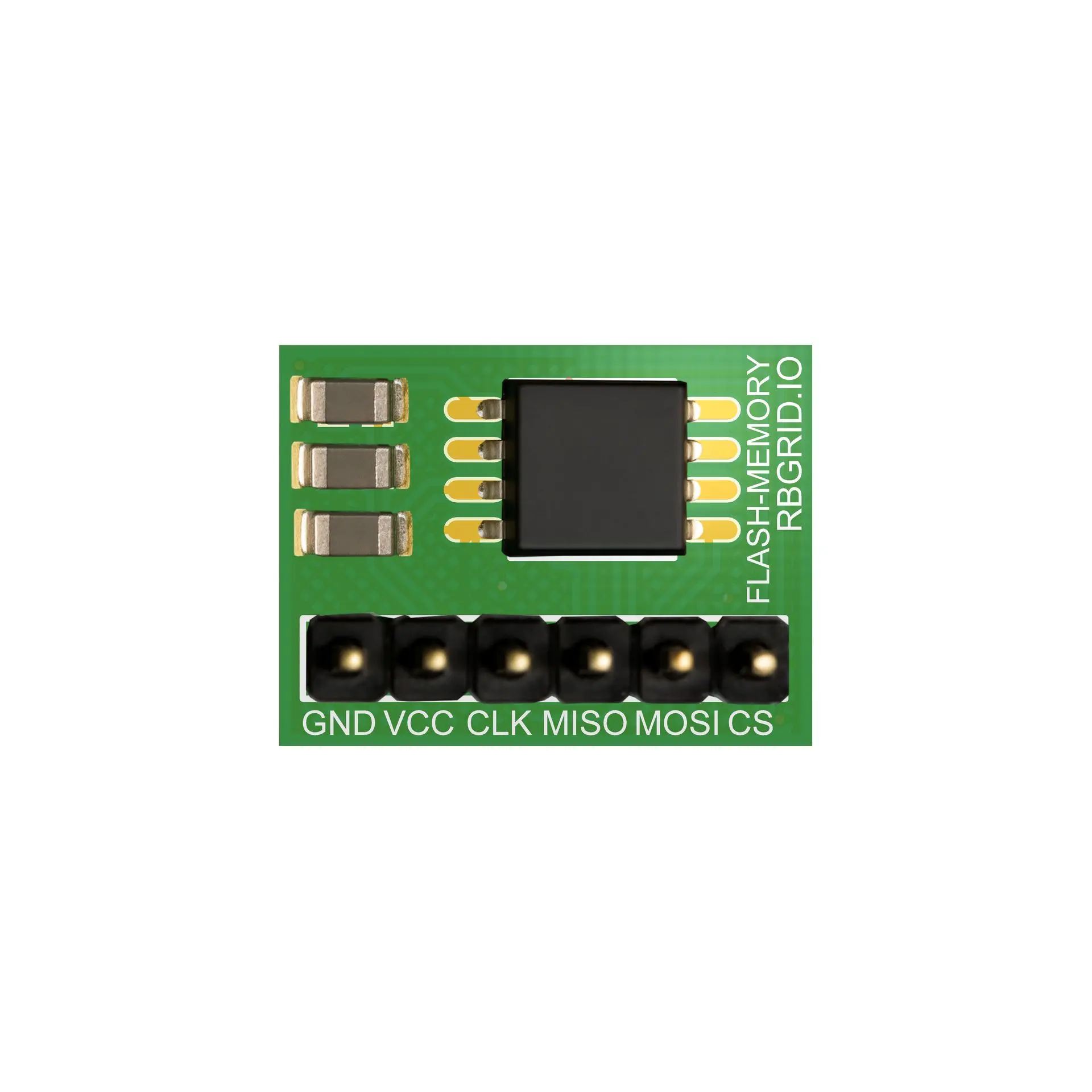
Step 2 UNLOCK FULL POTENTIAL
Highly recommended for complete functionality
External Storage Memory Module
Transform your monitor from basic to professional.
The storage module is the key to unlocking rRBgrid's full capabilities. Without it, you're limited to real-time monitoring only. With it, you gain access to years of historical data, dynamic configuration, and our pre-built firmware.
Why you need it:
- Configuration Storage: Save settings, calibrations, and device profiles
- Long-term Statistics: Store up to 5 years of energy data locally
- Firmware Updates: Enable OTA updates and firmware management
- Dynamic Settings: Change configuration without recompiling
- Multiple Profiles: Switch between different monitoring setups
System capabilities comparison:
| Feature | Without Storage | With Storage |
| Real-time monitoring | ✅ Yes | ✅ Yes |
| Custom SDK firmware | ✅ Yes (hardcoded) | ✅ Yes (dynamic) |
| Pre-built RBgrid firmware | ❌ Not compatible | ✅ Full support |
| Historical statistics | ❌ No | ✅ 5 years |
| Configuration changes | ❌ Recompile needed | ✅ Web interface |
| Calibration profiles | ❌ In code only | ✅ Persistent |
| OTA updates | ❌ No | ✅ Automatic |
Important: Pre-built RBgrid firmware from our website requires this module. Without it, you can only run custom firmware developed with the RBgrid SDK with all settings hardcoded.
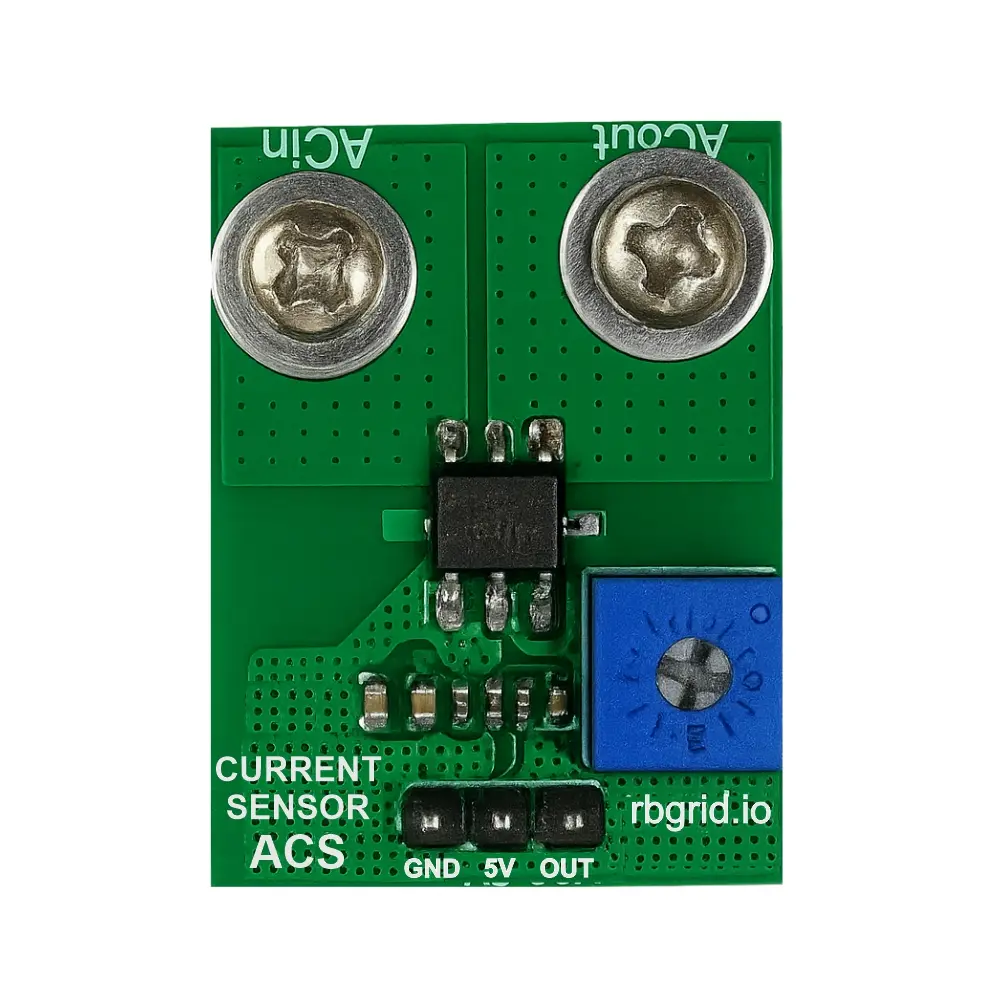
Step 3 MEASURE CURRENT & POWER
Choose your sensing method
Now you can measure actual power consumption and generation.
Current sensors complete your monitoring system, enabling full power analysis, energy tracking, and cost calculations. Choose between two technologies based on your installation requirements and safety preferences.
Option A: ACS-712 Hall-Effect Sensors
Direct measurement for maximum accuracy
Hall-effect sensors provide precise bidirectional current measurement for AC systems. Ideal when you can safely interrupt the circuit during installation.
Available models:
- ACS-712-10A: Electronics, LED lighting
- ACS-712-20A: Home appliances, HVAC
- ACS-712-30A: EV charging, heat pumps
- ACS-712-50A: AC Grid, Home generation (solar panel, battery)
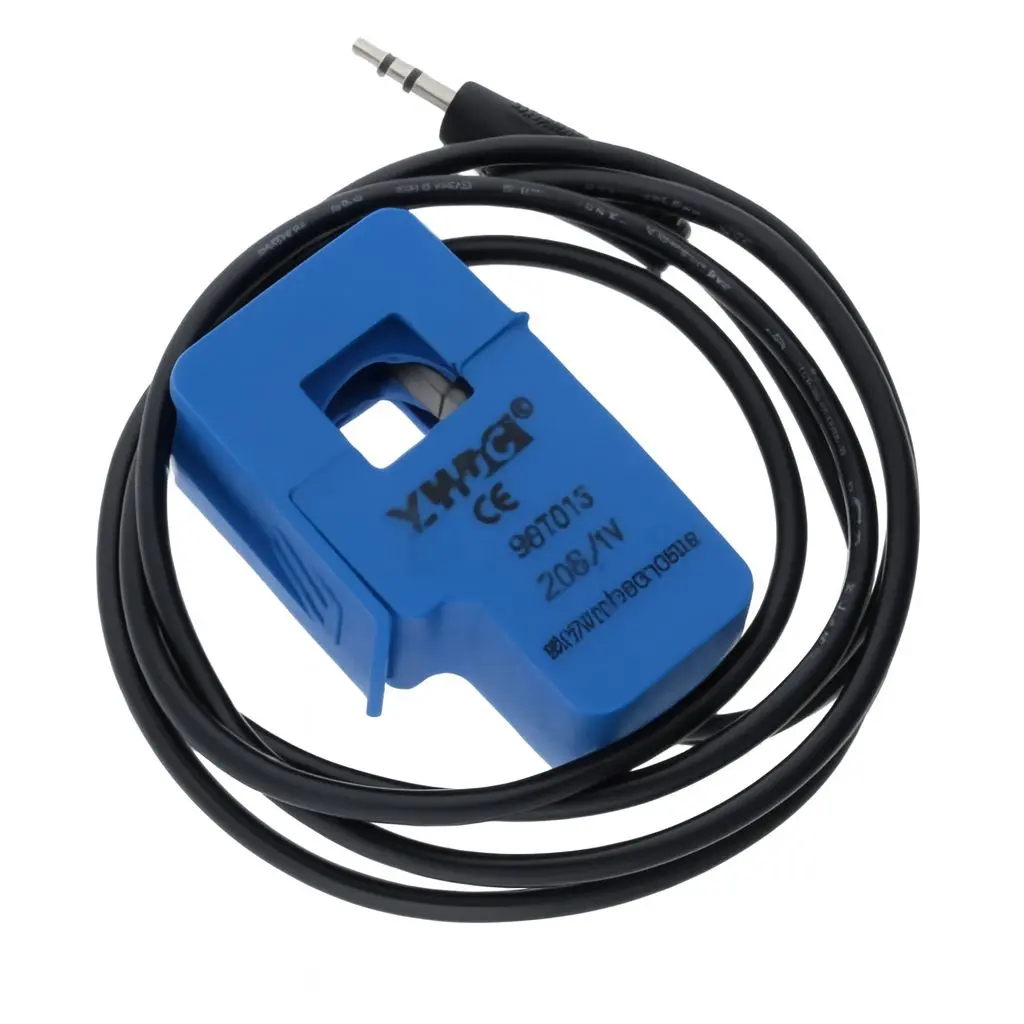
Option B: SCT-013 Current Transformers + Adapter
Clip-on installation without cutting wires
Non-invasive current transformers that clip around existing wires. Perfect for retrofitting existing installations without electrical work.
Available models:
- SCT-013-010: 10A max - Individual circuits
- SCT-013-030: 30A max - Standard home circuits
- SCT-013-050: 50A max - Main supply, large appliances
- SCT-013-100: 100A max - Industrial, whole building
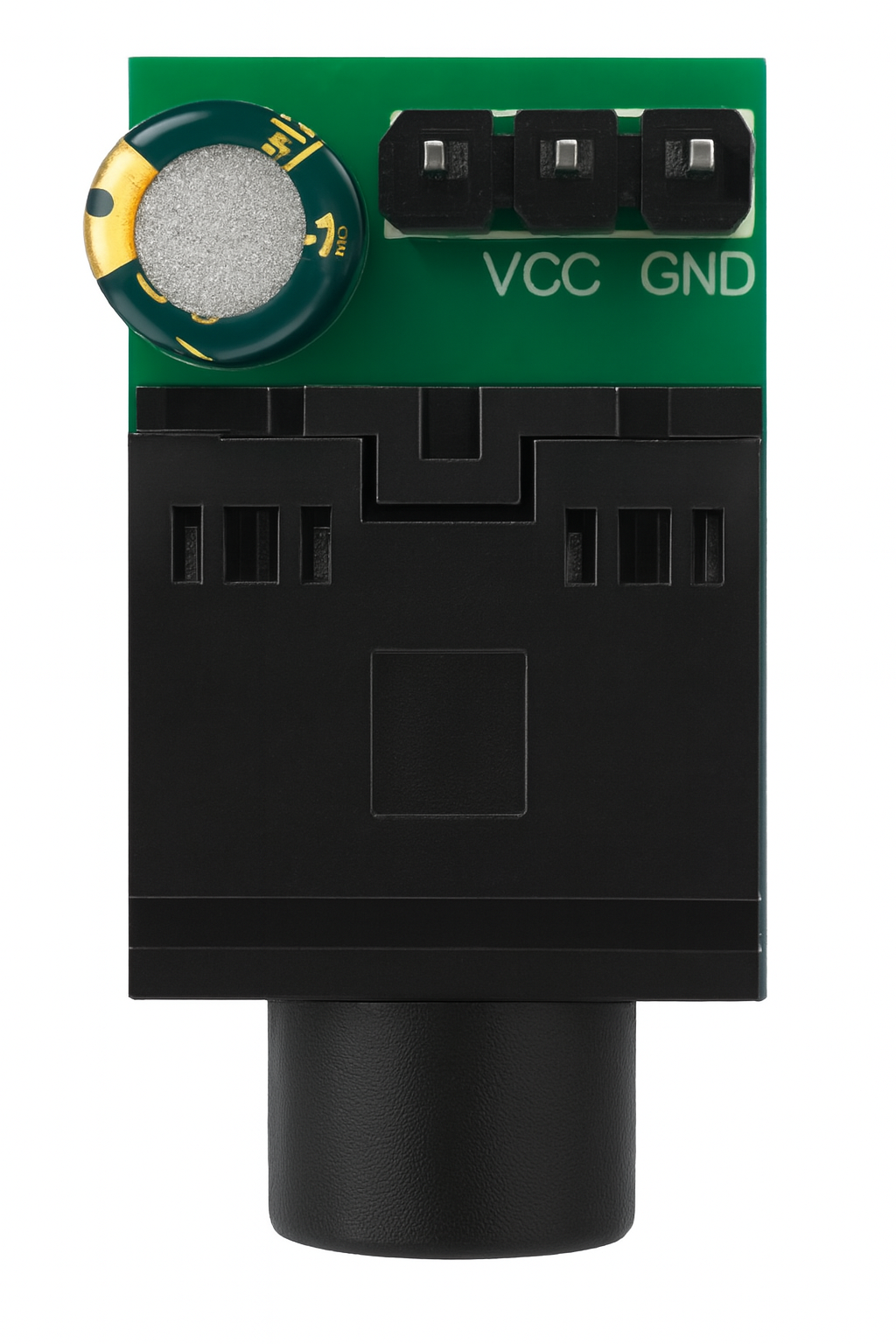
Includes adapter module for:
- Proper burden resistor
- Signal conditioning
- Protection circuits
- Easy ESP32 connection
Products
Check out what's new in our company !